
Blocks Overview
This section documents the custom Gutenberg blocks provided by the plugin.
Available Blocks
Section titled “Available Blocks”Browse the custom blocks included in the plugin.

Accordion List
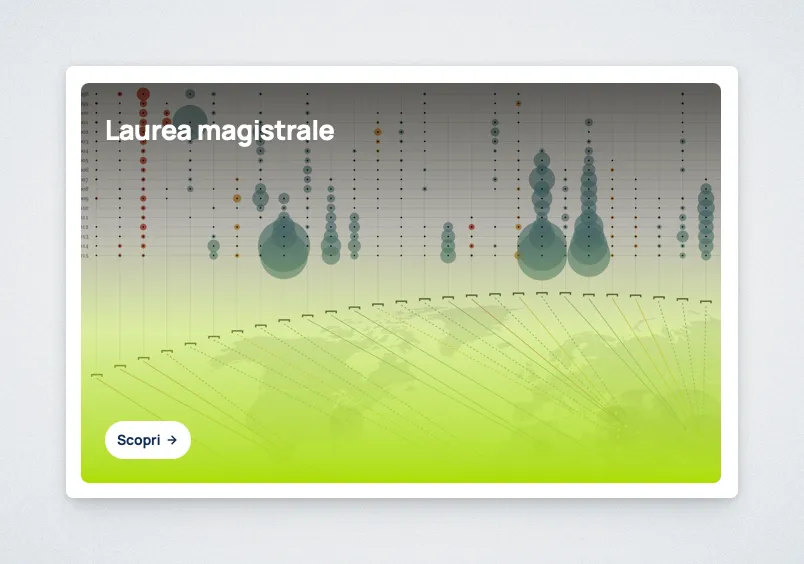
Card
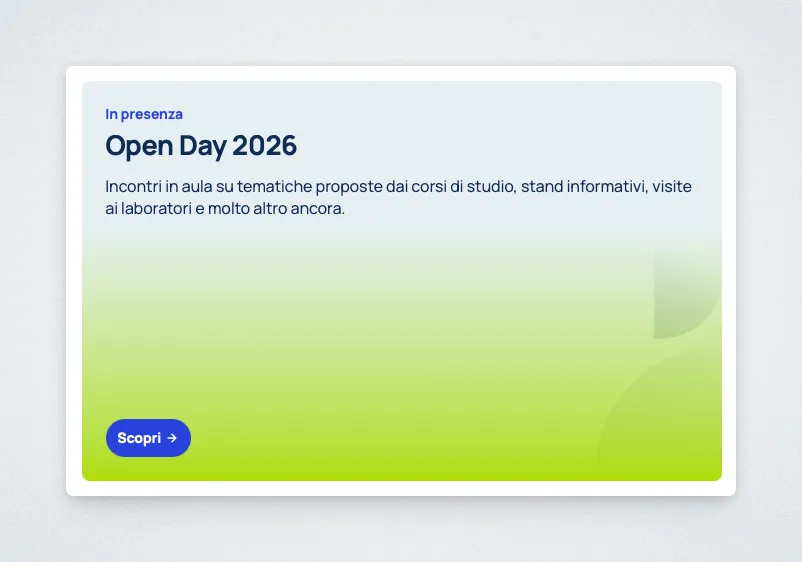
Card (Text)
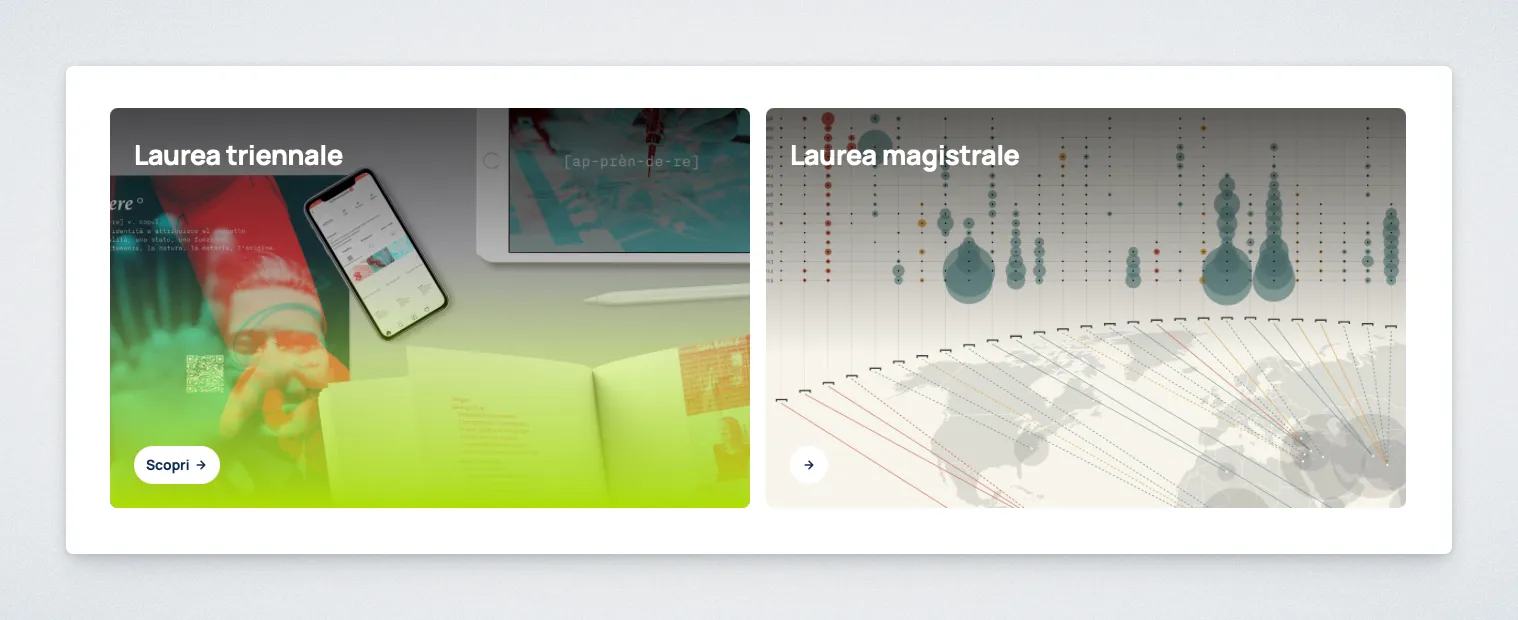
Card Grid
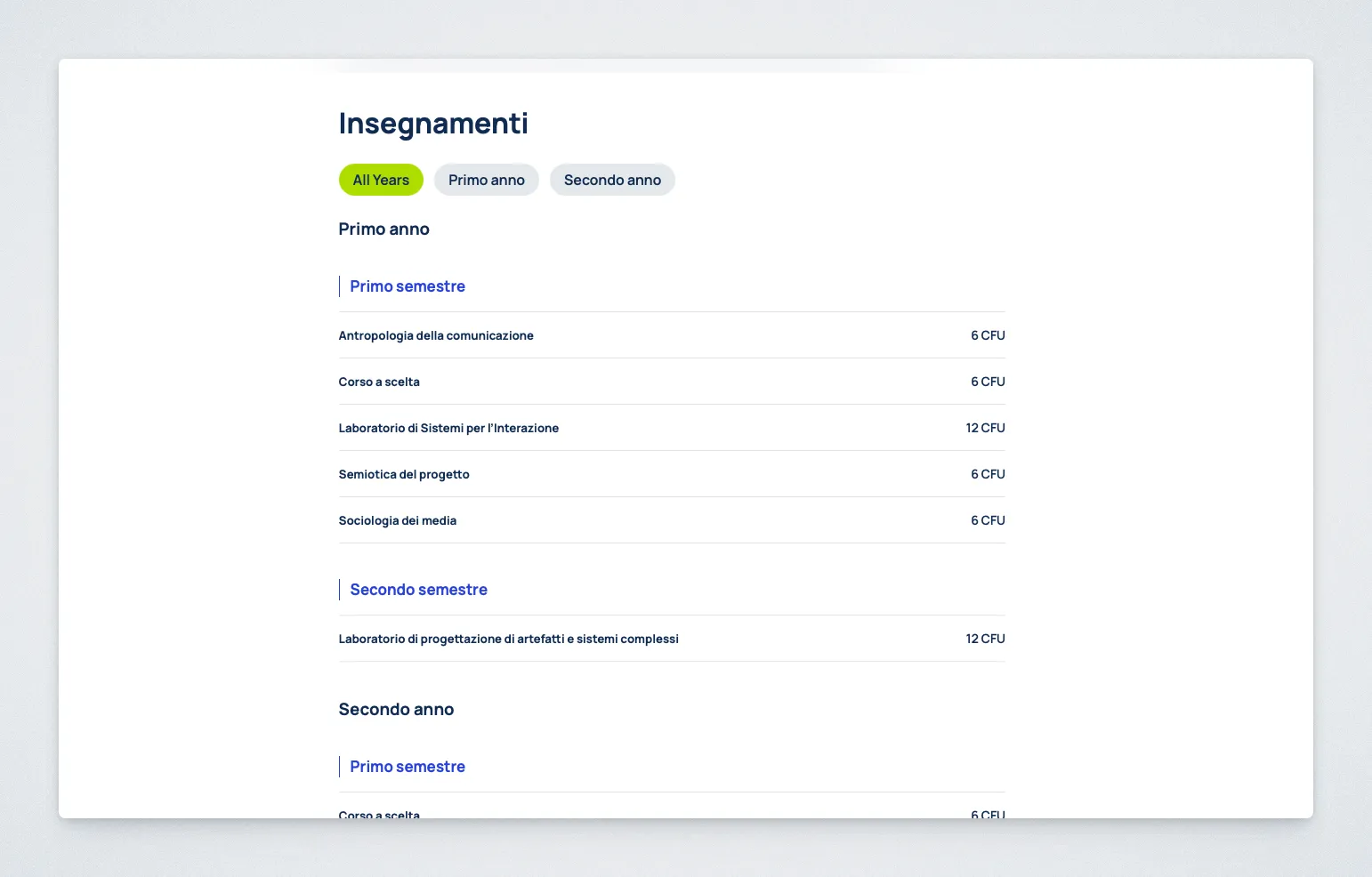
Course Program Display
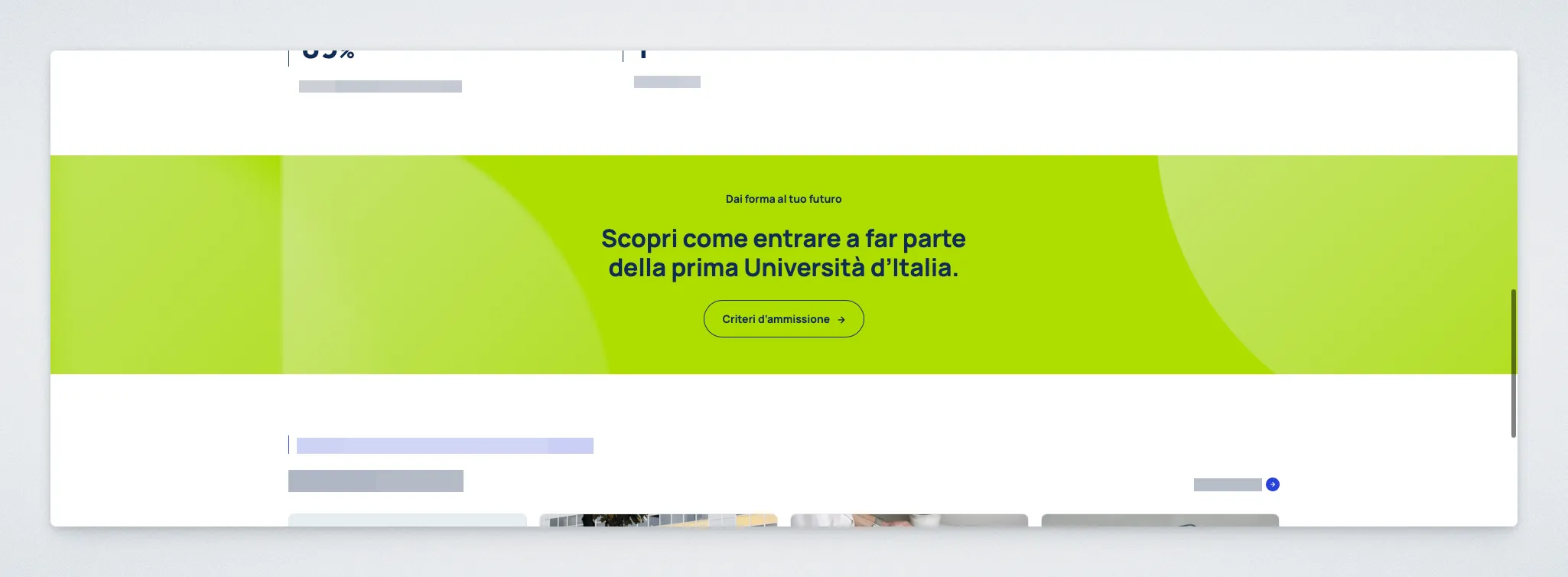
Full-width Banner
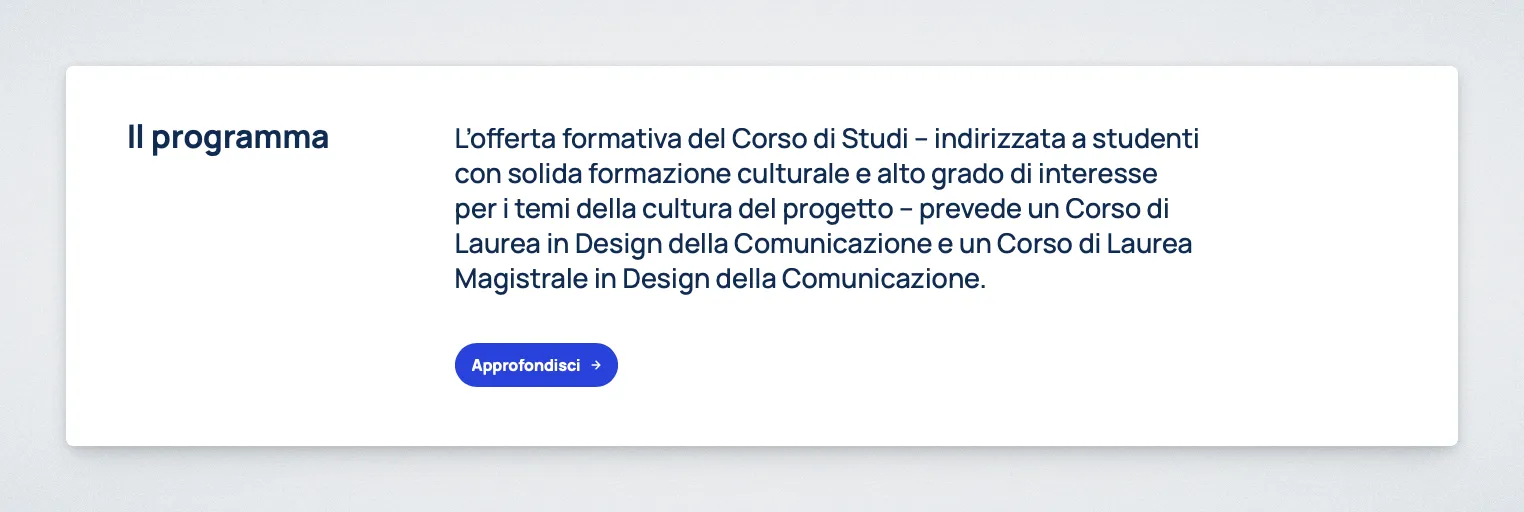
Hero
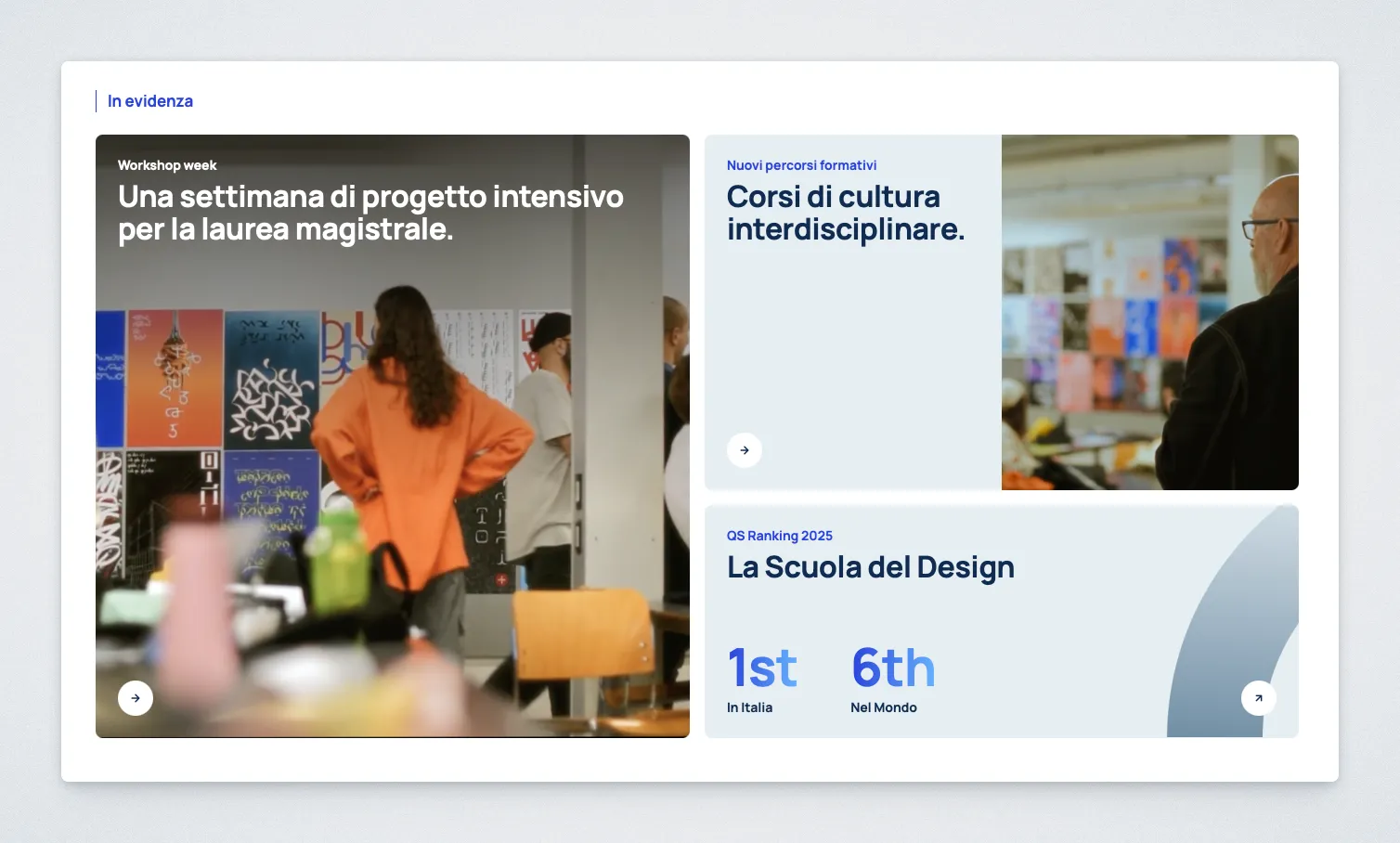
Home Spotlight
Information List
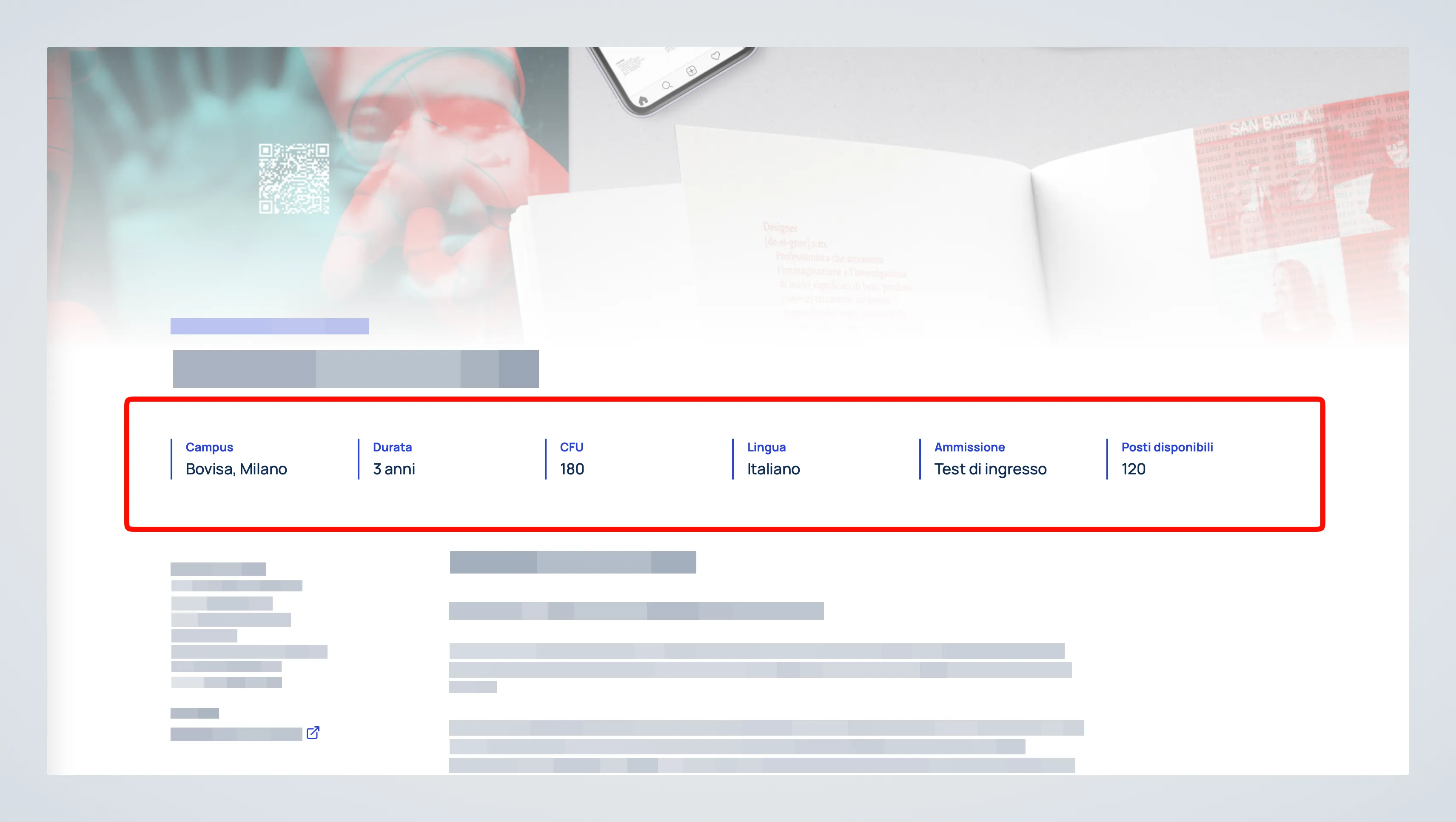
Key Facts Grid
Large Card
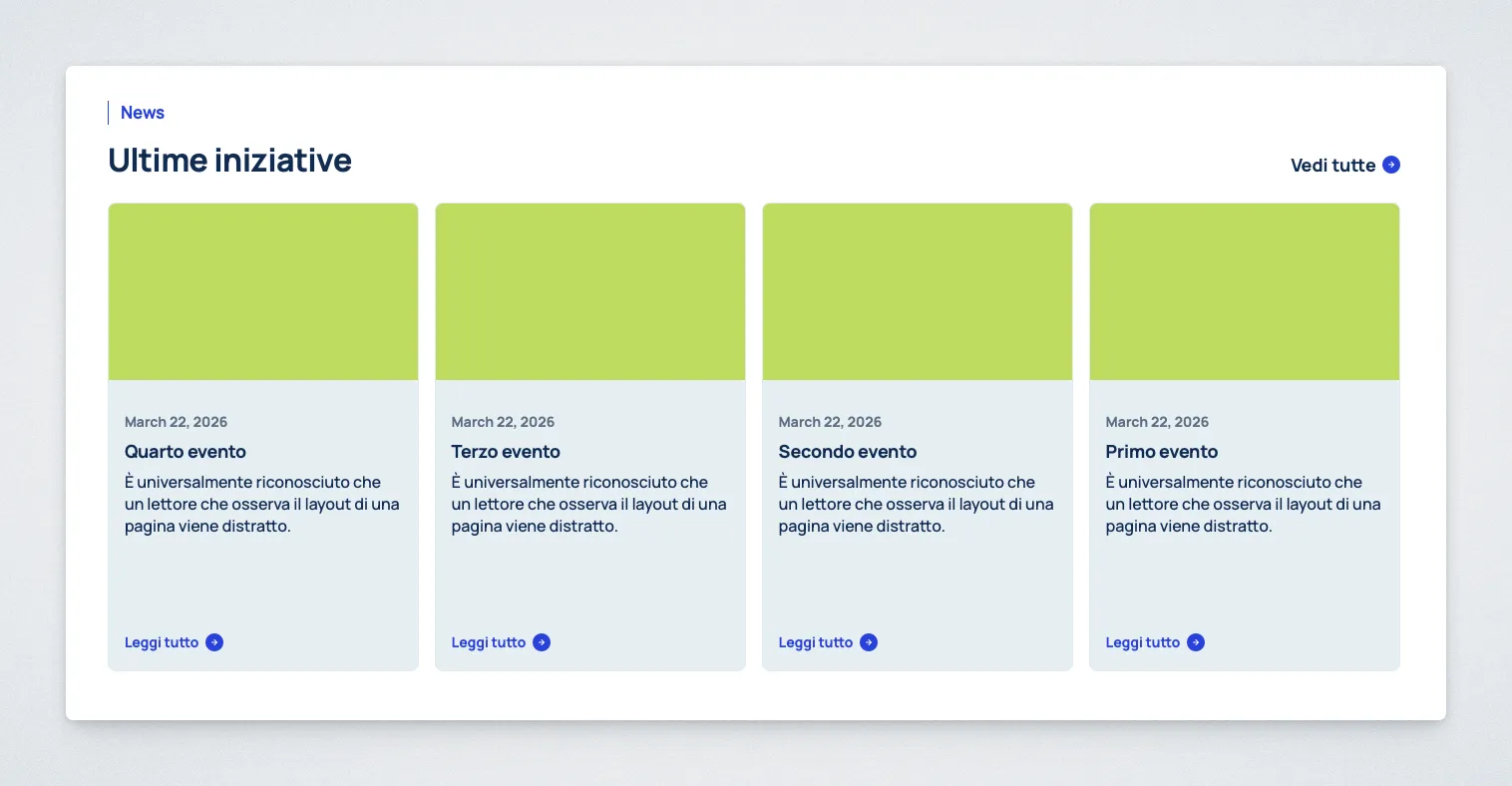
News Grid
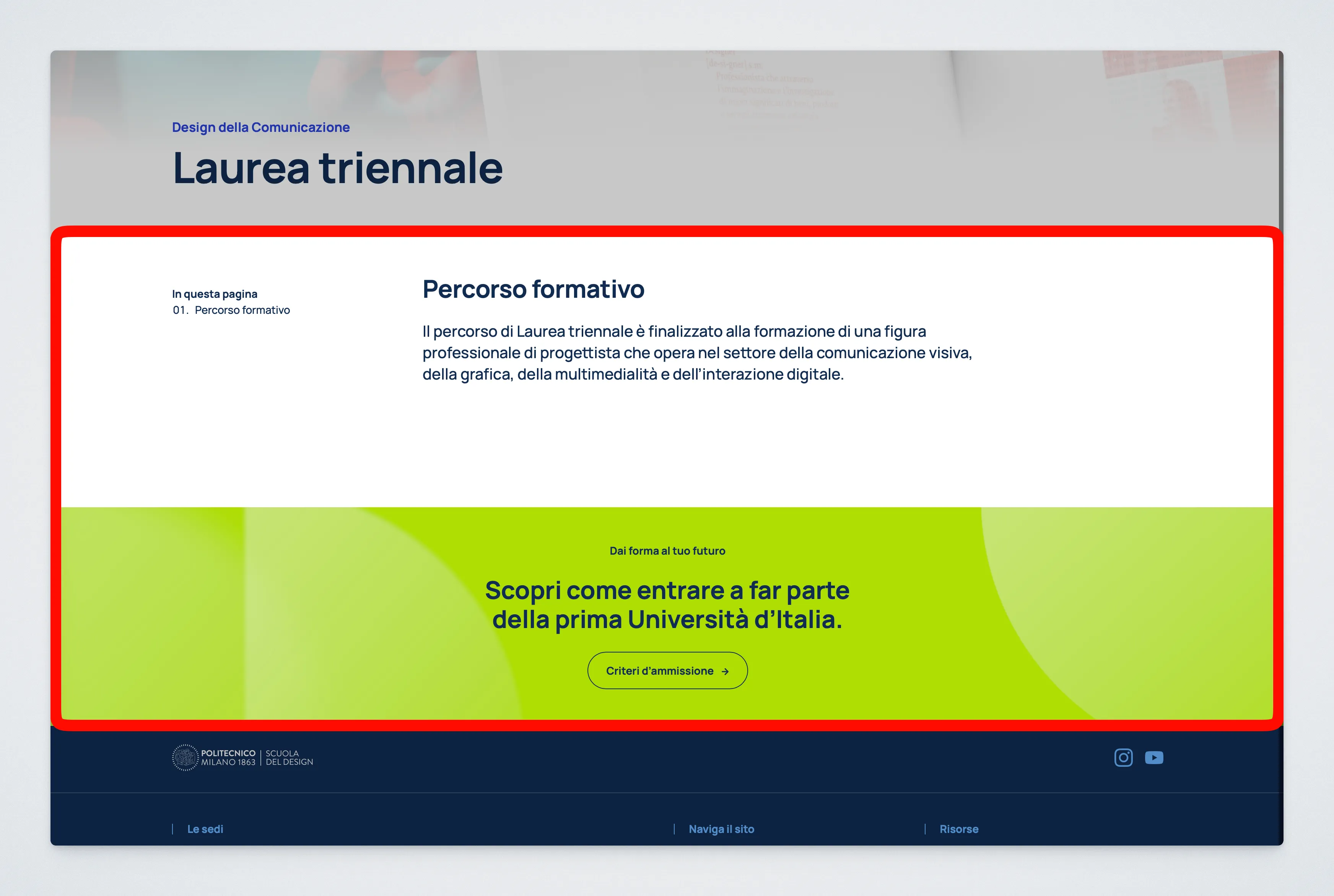
Page Layout - 3 Slots

People Grid
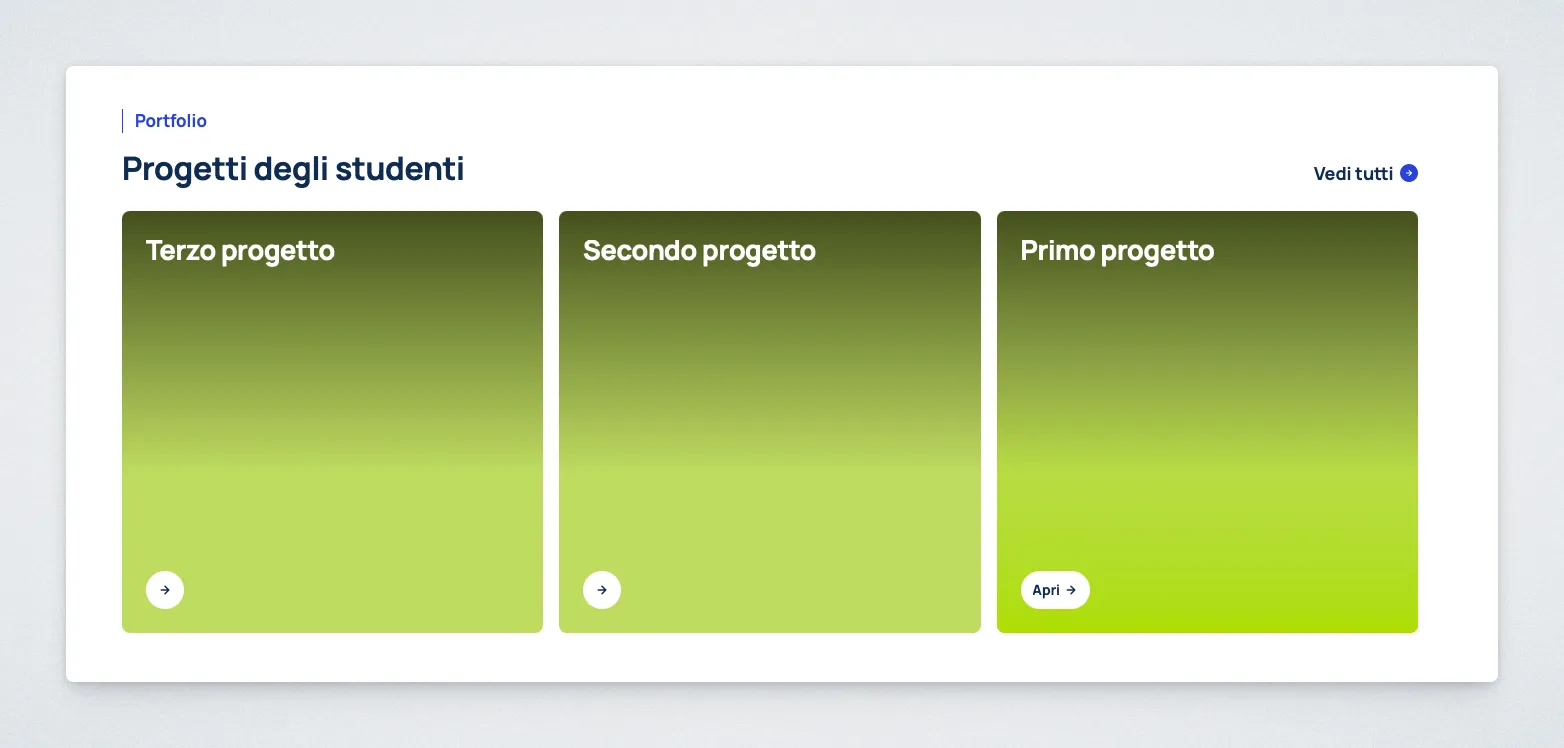
Projects Display
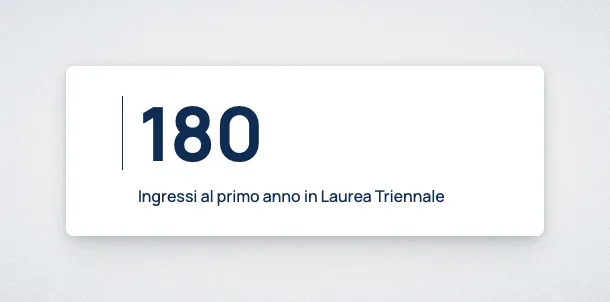
Statistic
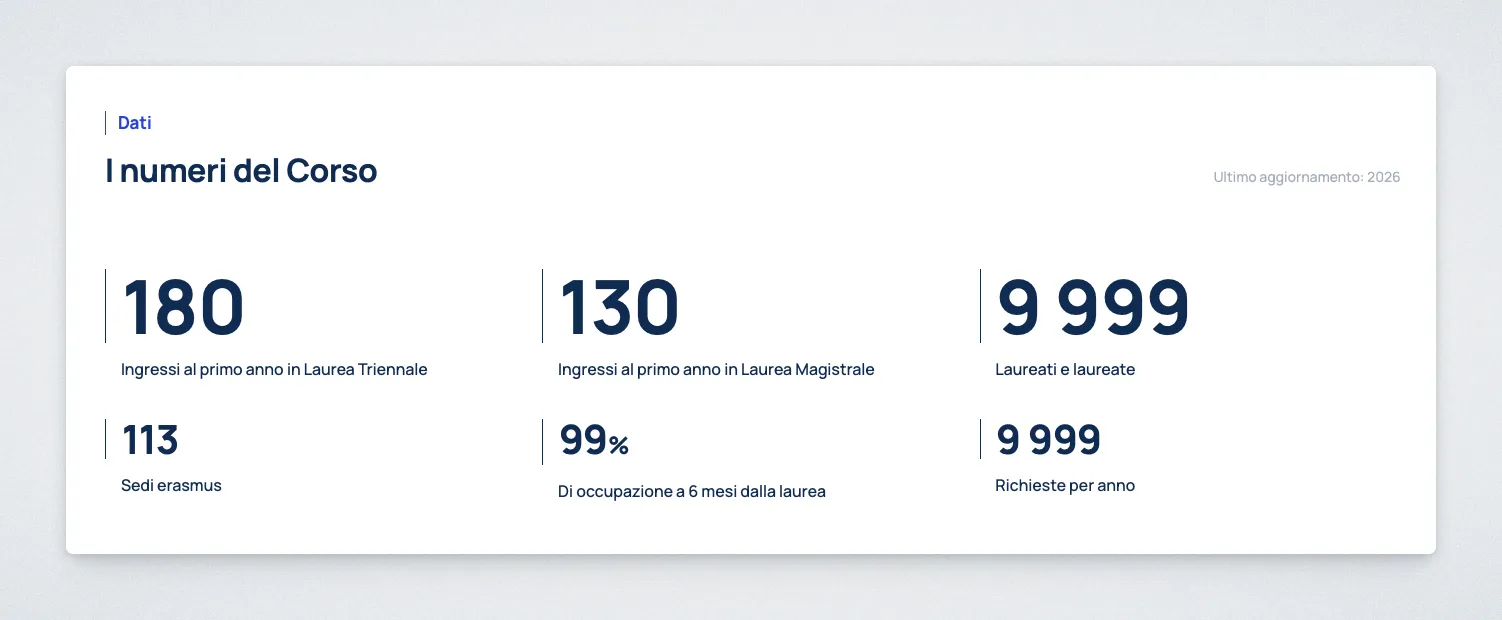
Stats Grid
Two Columns
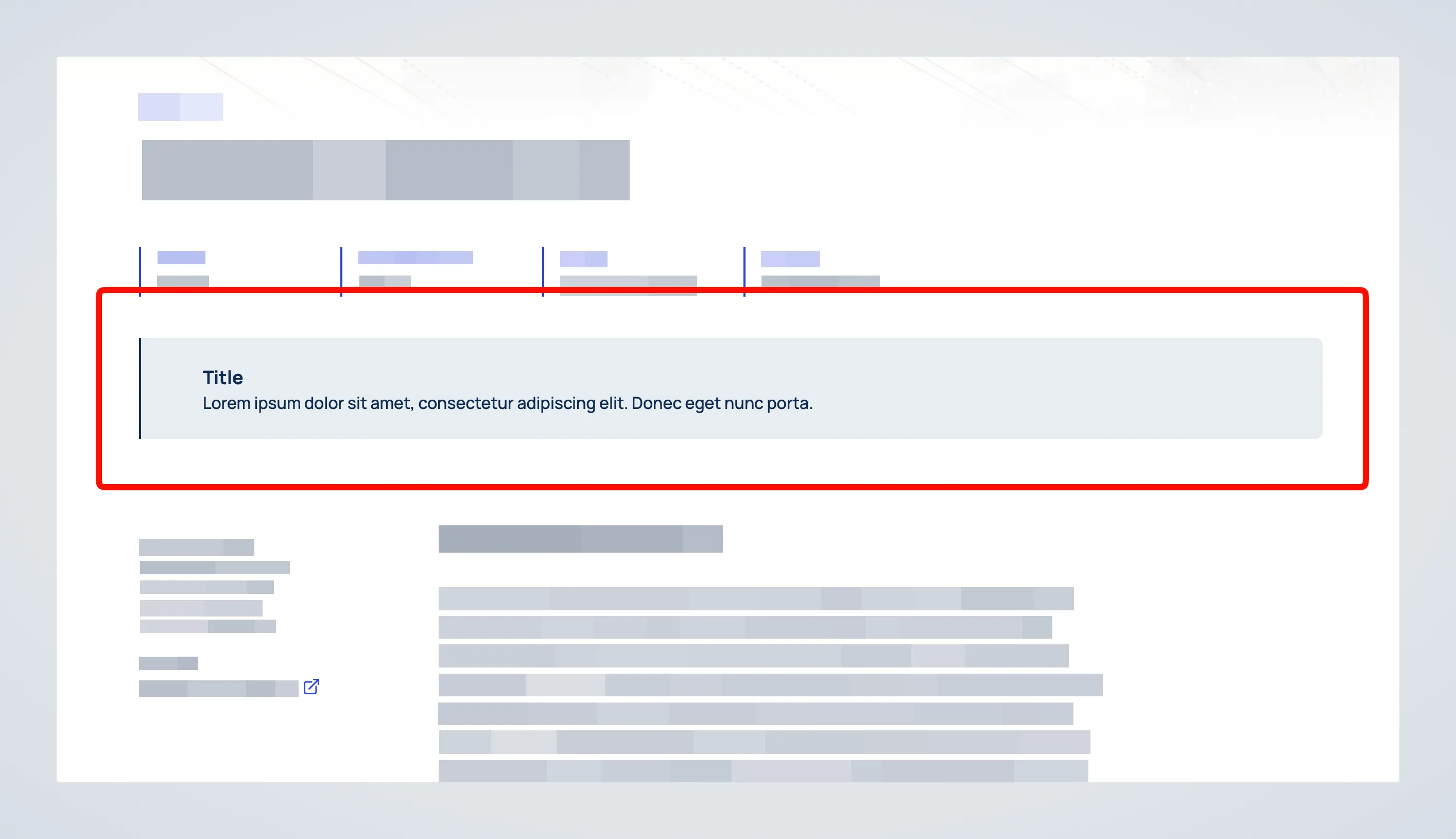
Warning Message
How to Read the Block Pages
Section titled “How to Read the Block Pages”Each block page includes a compact usage panel to help editors understand how the block should be used.
It highlights:
Page Type: whether the block can be used on the Homepage, Default Page template, and Landing Page templateBlock Role: whether the block is standalone, a child block, or a container for a small set of allowed blocksTypical use: shown when a block is intended for a specific kind of content or page section
If a block is marked as a child block, it should be added inside its parent block rather than inserted directly into the page.