
Page Layout - 3 Slots
The Page Layout – 3 Slots block places content above the main grid, in the main column, and above the footer on Default Pages.
Block details
Supported page types
- Homepage
- Default Page
- Landing Page
Block role
Layout container
Allowed blocks
See allowed content below.
Screenshot
Section titled “Screenshot”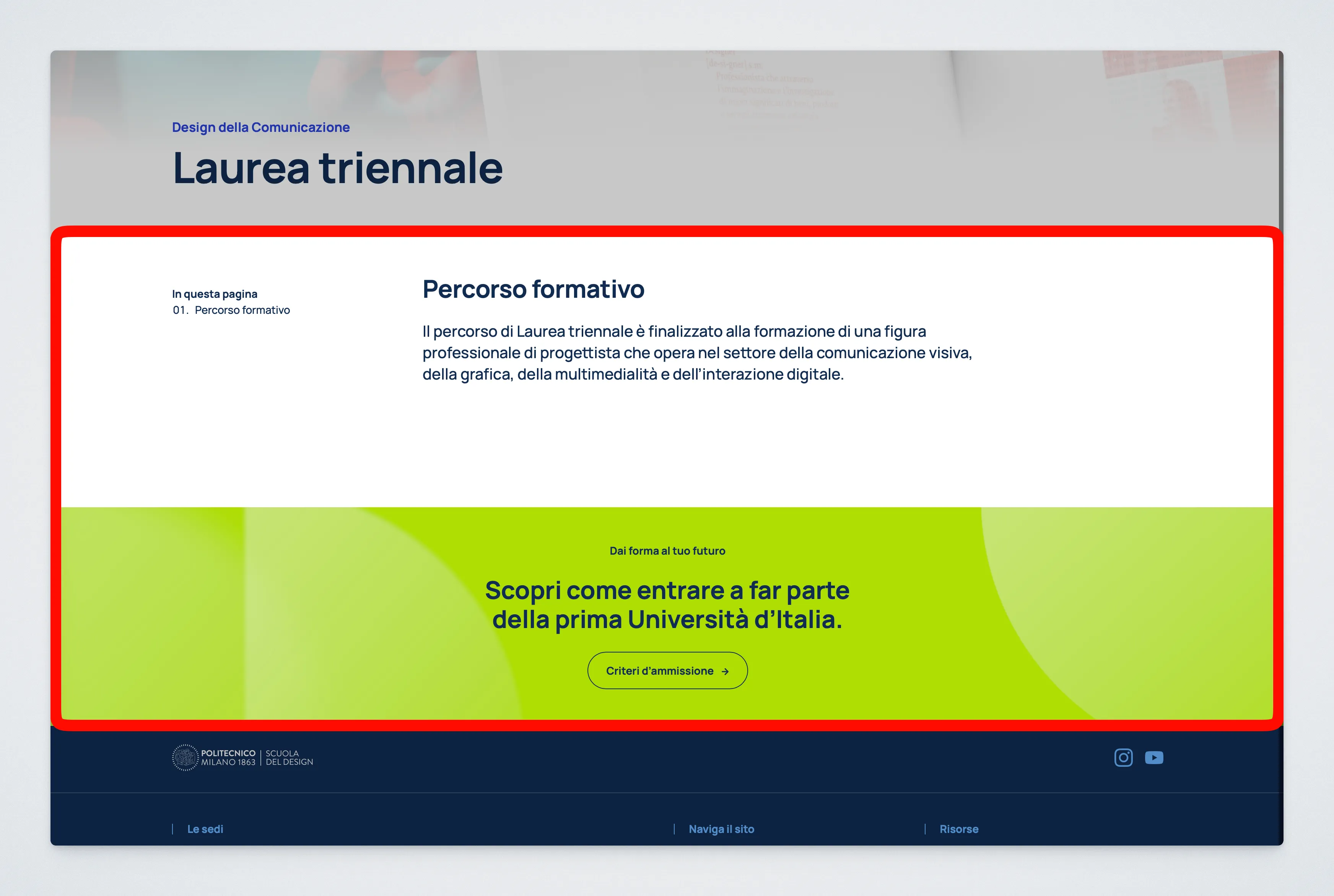
Internal Structure
Section titled “Internal Structure”This block creates three internal slot blocks automatically:
Main slot: the main page content. Almost everything should go here.Bottom slot: accessory content below the main page content and above the footer.Top slot: accessory special content above the main page content.
Allowed Content
Section titled “Allowed Content”Top slot
Section titled “Top slot”Main slot
Section titled “Main slot”- Accordion List
- Card Grid
- Course Program Display
- Information List
- Large Card
- People Grid
- Standard text and media blocks
- Warning Message
Bottom slot
Section titled “Bottom slot”Behavior Notes
Section titled “Behavior Notes”- The theme page template is responsible for rendering the slots in the correct places.