
Two Columns
The Two Columns block pairs content with one image on either side of a Landing Page section; the image position can be changed later without moving the content.
Block details
Supported page types
- Homepage
- Default Page
- Landing Page
Block role
Layout container
Allowed blocks
See allowed content below.
Screenshot
Section titled “Screenshot”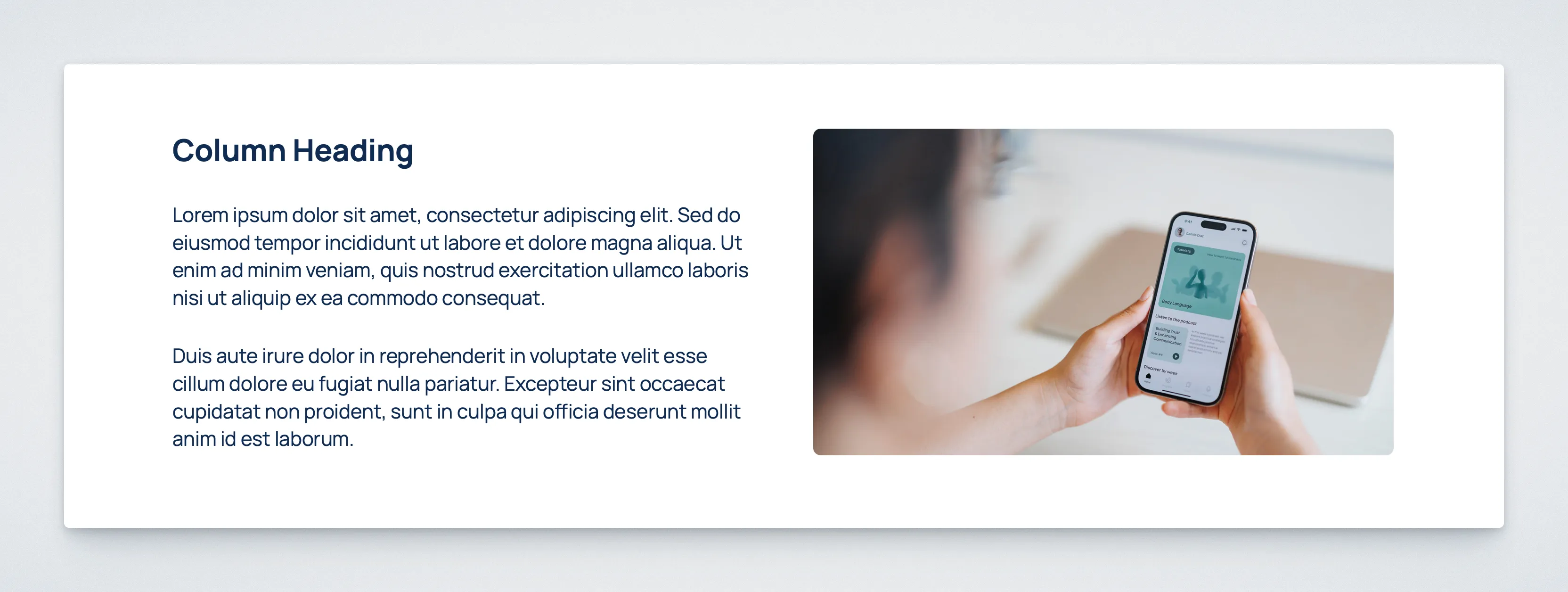
Controls
Section titled “Controls”| Control | Input | Description |
|---|---|---|
| Image position | Radio | Places the media column on the left or right. |
Allowed Content
Section titled “Allowed Content”Content column
Section titled “Content column”- Heading
- Paragraph
- Information List
- Accordion List
Media column
Section titled “Media column”- One image
Behavior Notes
Section titled “Behavior Notes”- The block can only be inserted on the
Landing Pagetemplate. - The image position can be changed at any time in the sidebar under Layout.
- The frontend uses a 50/50 layout on larger screens, and stacks responsively on smaller screens.