
Large Card
The Large Card block highlights a prominent destination in the main content area with an eyebrow, heading, supporting text, and call to action.
Block details
Supported page types
- Homepage
- Default Page
- Landing Page
Block role
Child block Page Layout - 3 Slots
Allowed blocks No nested blocks
Screenshot
Section titled “Screenshot”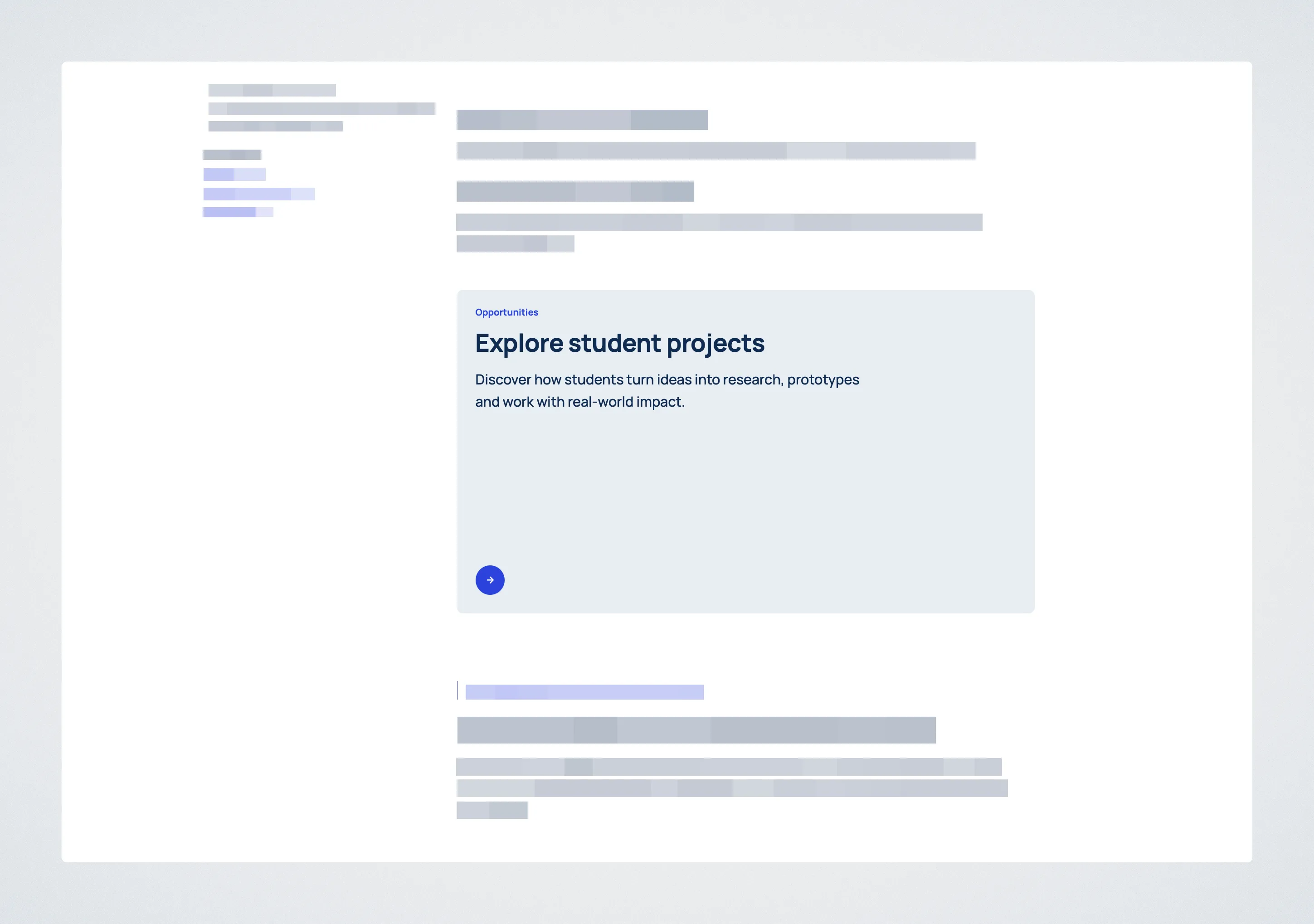
Controls
Section titled “Controls”| Control | Input | Description |
|---|---|---|
| Eyebrow | Text | Label above the heading. |
| Heading | Multiline text | Main card title. |
| Text | Multiline text | Supporting copy beneath the heading. |
| CTA Text | Text | Call to action label. |
| CTA URL | URL or page search | Call to action destination. |
| CTA URL is an External Link | Toggle | Marks the destination as external. |
| Style | Select | Chooses image background, split image, or no image. |
| Image | Media selector | Image for either image style. |
| Include heading in Table of Contents | Toggle | Adds the card heading to the page Table of Contents. |
Behavior Notes
Section titled “Behavior Notes”- Required fields are enforced in the editor before publishing.
- The block is intended for the
Main slotinside Page Layout - 3 Slots. - The selected style controls whether the image is used as a background, as a split-layout image, or not used.