
Projects Display
The Projects Display block shows recent Projects or Theses as a grid on the Homepage or as a slider on inner pages.
Block details
Supported page types
- Homepage
- Default Page
- Landing Page
Block role
Standalone block
Allowed blocks No nested blocks
Screenshot
Section titled “Screenshot”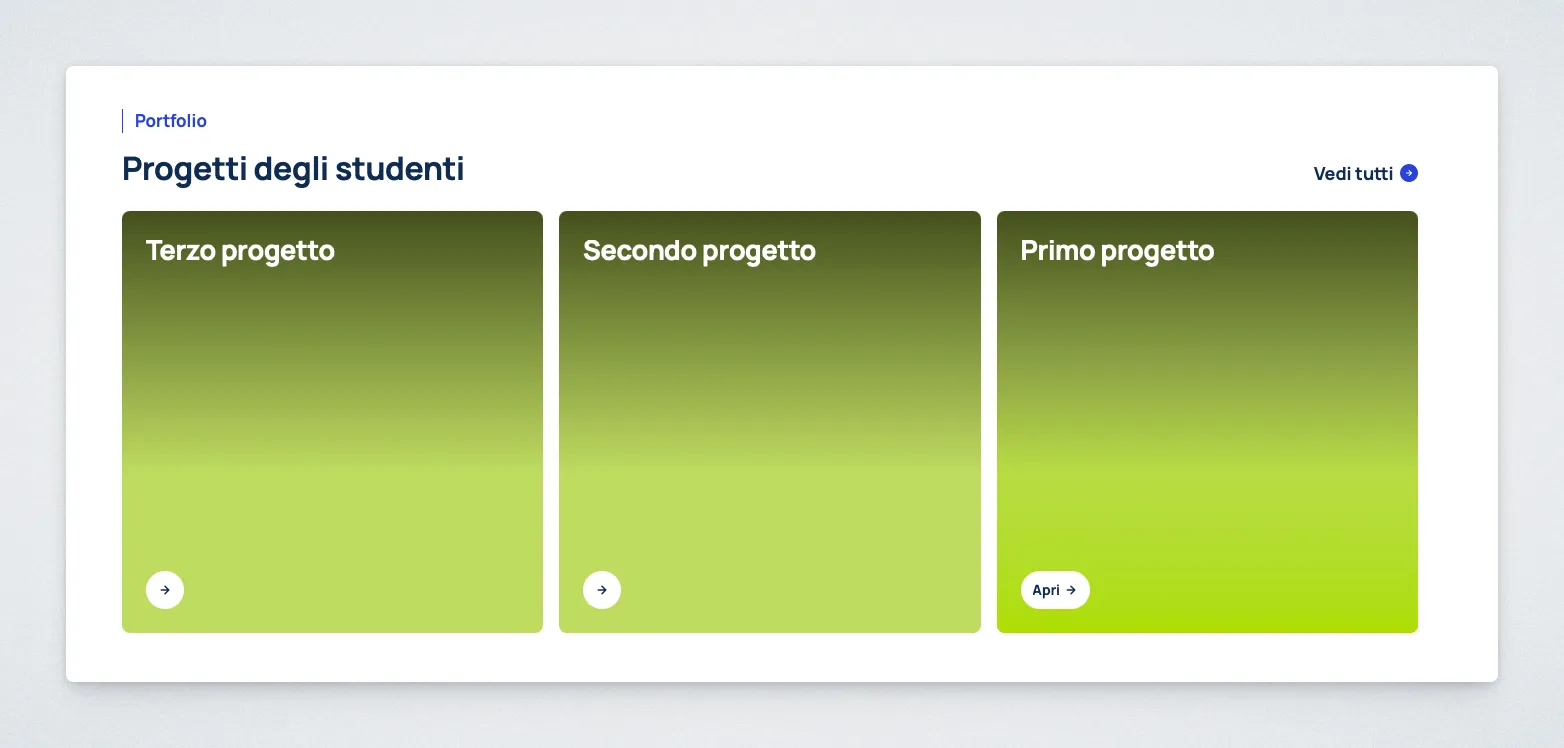
Controls
Section titled “Controls”| Control | Input | Description |
|---|---|---|
| Section Eyebrow | Text | Small label above the heading. |
| Section Heading | Text | Heading for the projects section. |
| Section CTA | Text | Label for the link to all projects. |
| Cards CTA | Text | Call to action label on project cards. |
| Display Mode | Select | Chooses grid or slider layout. |
| Slider Autoplay | Toggle | Advances the slider automatically. |
| Maximum Projects to Display | Select | Limits the number of displayed projects. |
| Content Type Filter | Select | Filters projects by content type. |
| Course of Study Filter | Select | Filters projects by course. |
Behavior Notes
Section titled “Behavior Notes”Maximum Projects to Displaysupports 3 or 6 cards.Content Type Filtercan limit output to Projects, Theses, or both.Course of Study Filterlets you choose one of the courses represented by top-level Subjects. SelectAll coursesto show Projects from every course.Gridmode is available only on the Homepage.- On other page templates, the block automatically uses
Slidermode. - Slider autoplay is optional and disabled by default.