
Home Spotlight
The Home Spotlight block highlights key information and calls to action in a prominent three-card section on the homepage.
Block details
Supported page types
- Homepage
- Default Page
- Landing Page
Block role
Standalone block
Allowed blocks No nested blocks
Screenshot
Section titled “Screenshot”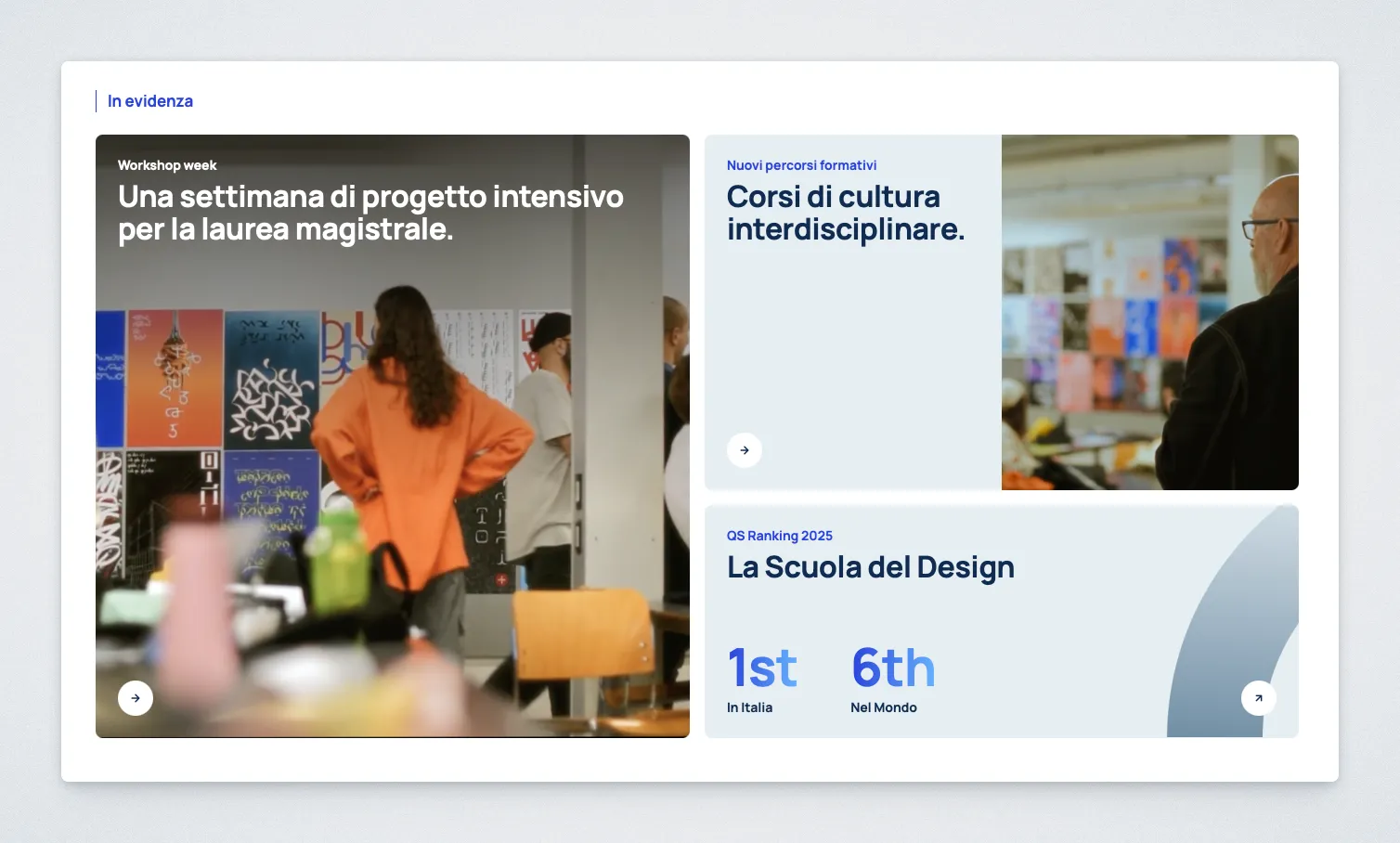
Controls
Section titled “Controls”| Control | Input | Description |
|---|---|---|
| Section Eyebrow | Text | Label above the three cards. |
| Main and Secondary Card Eyebrow | Text | Small label on each image card. |
| Main and Secondary Card Heading | Multiline text | Heading on each image card. |
| Main and Secondary Card Image | Media selector | Background image for each card. |
| Main and Secondary Card CTA Text | Text | Call to action label on each card. |
| Main and Secondary Card CTA URL | URL or page search | Destination for each card. |
| Tertiary Card Eyebrow | Text | Small label on the ranking card. |
| Tertiary Card Heading | Text | Heading on the ranking card. |
| Tertiary Card World Ranking | Text | Worldwide ranking value. |
| Tertiary Card Italy Ranking | Text | Italian ranking value. |
| Tertiary Card CTA Text | Text | Ranking card call to action label. |
| Tertiary Card CTA URL | URL or page search | Ranking card destination. |
Behavior Notes
Section titled “Behavior Notes”Section Eyebrowis editable in the block sidebar. New blocks start withIn evidenzaon Italian sites andFeaturedon English sites.- The Main Card and Secondary Card display an image.
- The Tertiary Card displays ranking information instead of an image. Its Italy and worldwide labels follow the active Italian or English frontend language.
- If no CTA text is entered, the button label defaults to
Scopri. - The first Home Spotlight block on a page receives the default HTML ID
spotlight. Further Spotlight blocks usespotlight-2,spotlight-3, and so on. The ID can be replaced through Gutenberg’s Advanced → HTML anchor setting.