
Key Facts Grid
The Key Facts Grid block displays up to six short label/value pairs for details such as duration, language, campus, or degree class.
Block details
Supported page types
- Homepage
- Default Page
- Landing Page
Block role
Container block
Allowed blocks
- Key Fact
Screenshot
Section titled “Screenshot”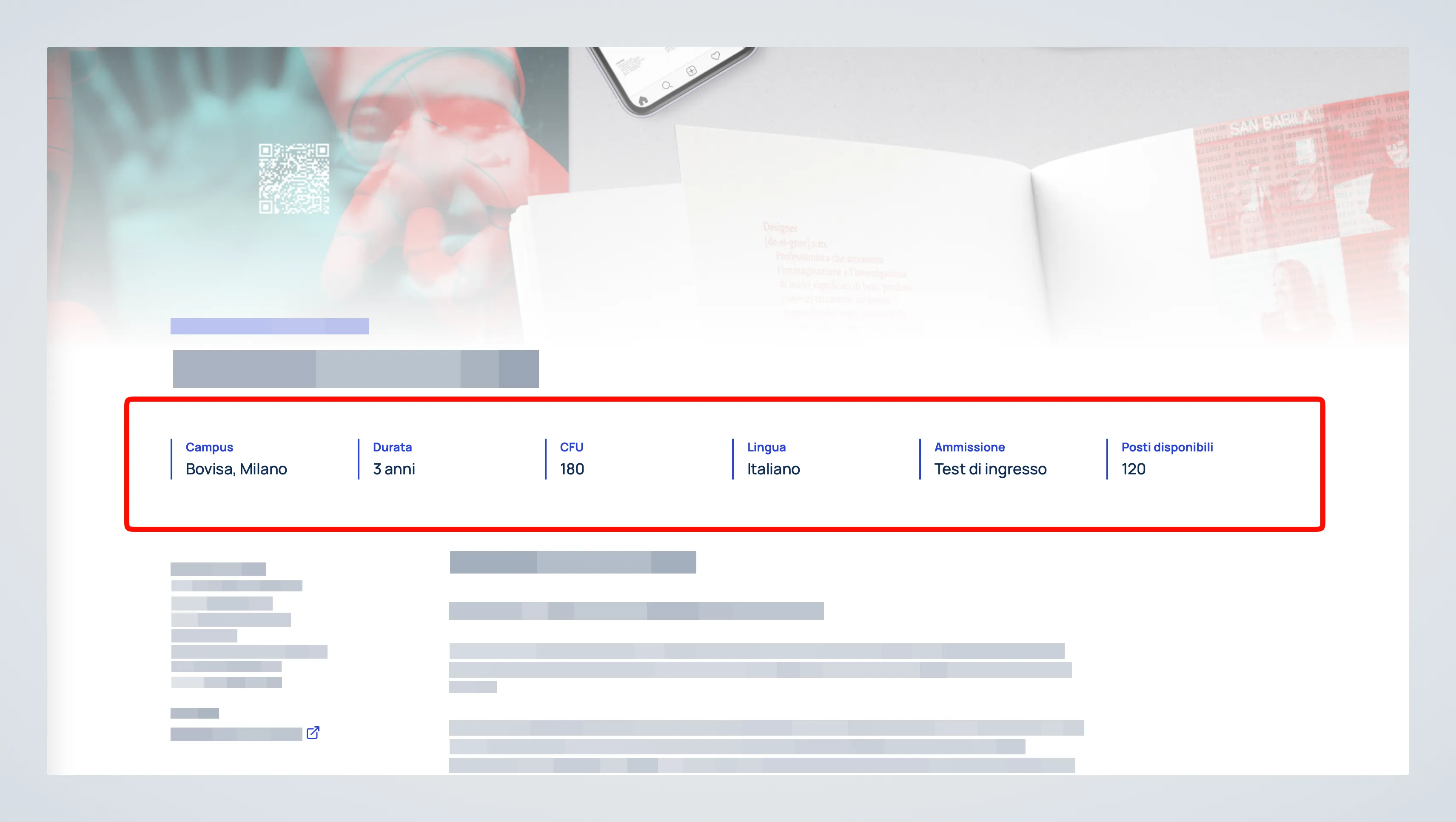
Controls
Section titled “Controls”Each item includes:
| Control | Input | Description |
|---|---|---|
| Label | Text | Names the fact. |
| Text | Text | Sets the fact’s value or explanation. |
Behavior Notes
Section titled “Behavior Notes”- The block is limited to a maximum of 6 items.
- On Default Page templates, use it in the
Top slotof Page Layout - 3 Slots. - On Landing Page templates, it can be inserted directly in the page content.