
Card Grid
Works in
Page Type
- Homepage
- Default Page
- Landing Page
Block Role
Screenshot
Section titled “Screenshot”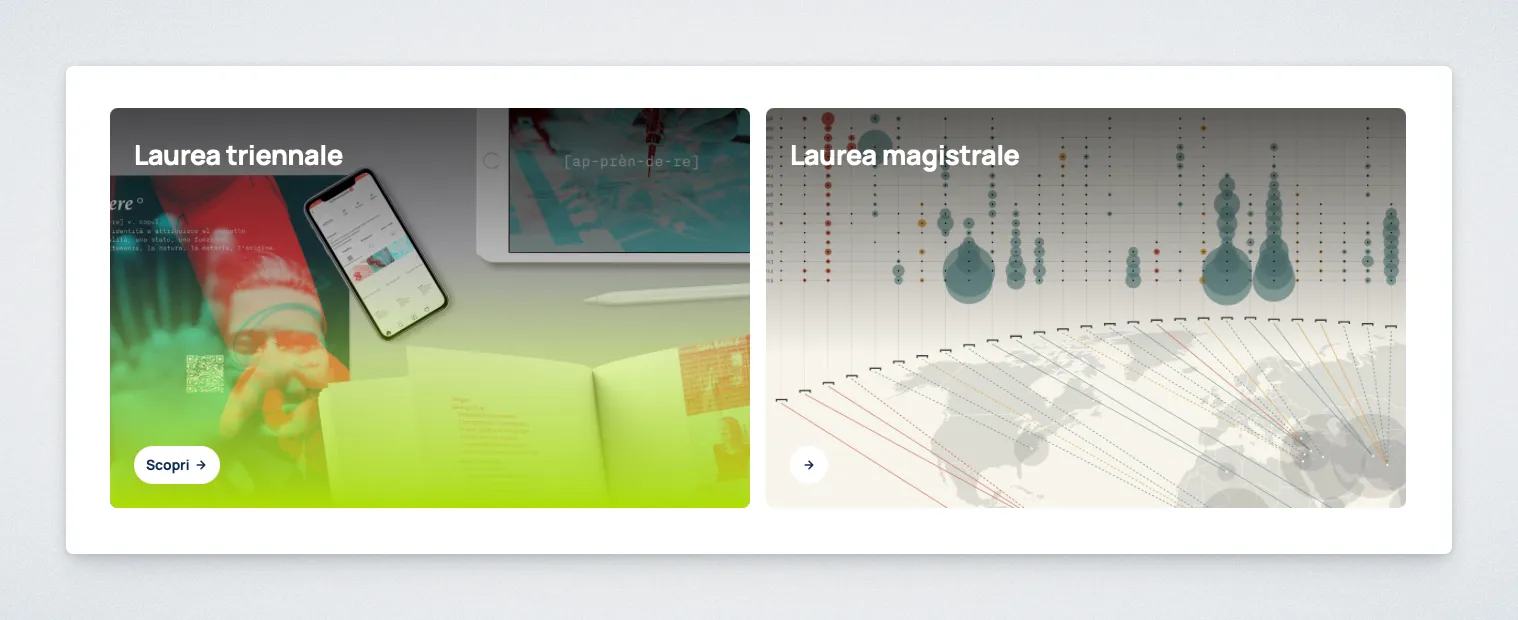
Purpose
Section titled “Purpose”The Card Grid block creates a section that displays Card and Card (Text) blocks in a grid layout.
It can be used on both the homepage and standard pages to group featured content, links, or highlights.
Controls
Section titled “Controls”Section Eyebrow: small heading shown above the grid. Use it to label the section, for exampleFeatured contentorUseful links.Show Section Header: shows or hides the header area above the grid. When disabled, the cards start immediately without the section header.Include cards in Table of Contents: syncs all cards in this grid with the page Table of Contents by marking their titles for inclusion. This applies to existing cards and new cards added later.
Allowed Children
Section titled “Allowed Children”Behavior Notes
Section titled “Behavior Notes”- The
Include cards in Table of Contentsoption is applied to all cards inside the grid.